Working with color alarms and isotherms
Color alarms
By using color alarms (isotherms), anomalies can easily be discovered in an infrared image. The isotherm command applies a contrasting color to all pixels with a temperature above, below, or between the set temperature levels. The camera also features isotherm types that are specific to the building trade: condensation and insulation alarms.
You can make the camera trigger the following types of color alarms:
Above alarm: This will apply a contrasting color to all pixels with a temperature above the specified temperature level.
Below alarm: This will apply a contrasting color to all pixels with a temperature below the specified temperature level.
Interval alarm: This will apply a contrasting color to all pixels with a temperature between two specified temperature levels.
Condensation alarm: Triggers when the camera detects a surface where the relative humidity exceeds a preset value.
Insulation alarm: Triggers when there is an insulation deficiency in a wall.
This table explains the different color alarms (isotherms).
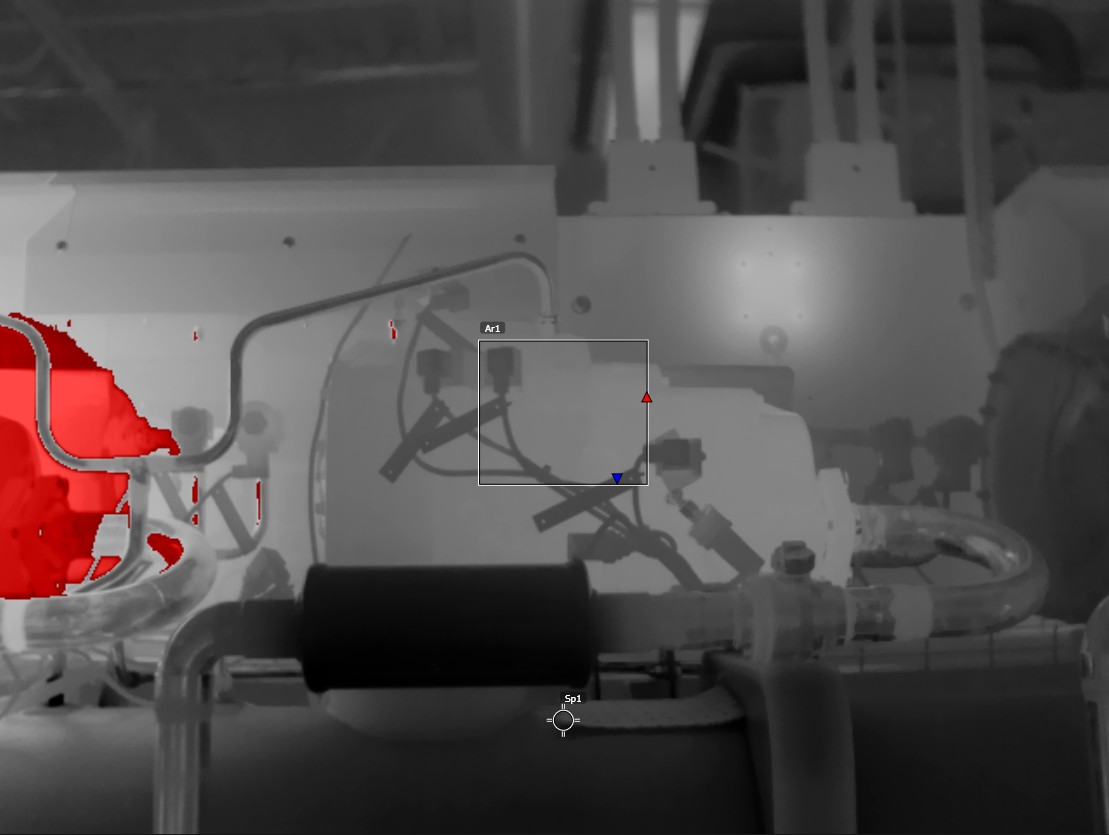
Above alarm |
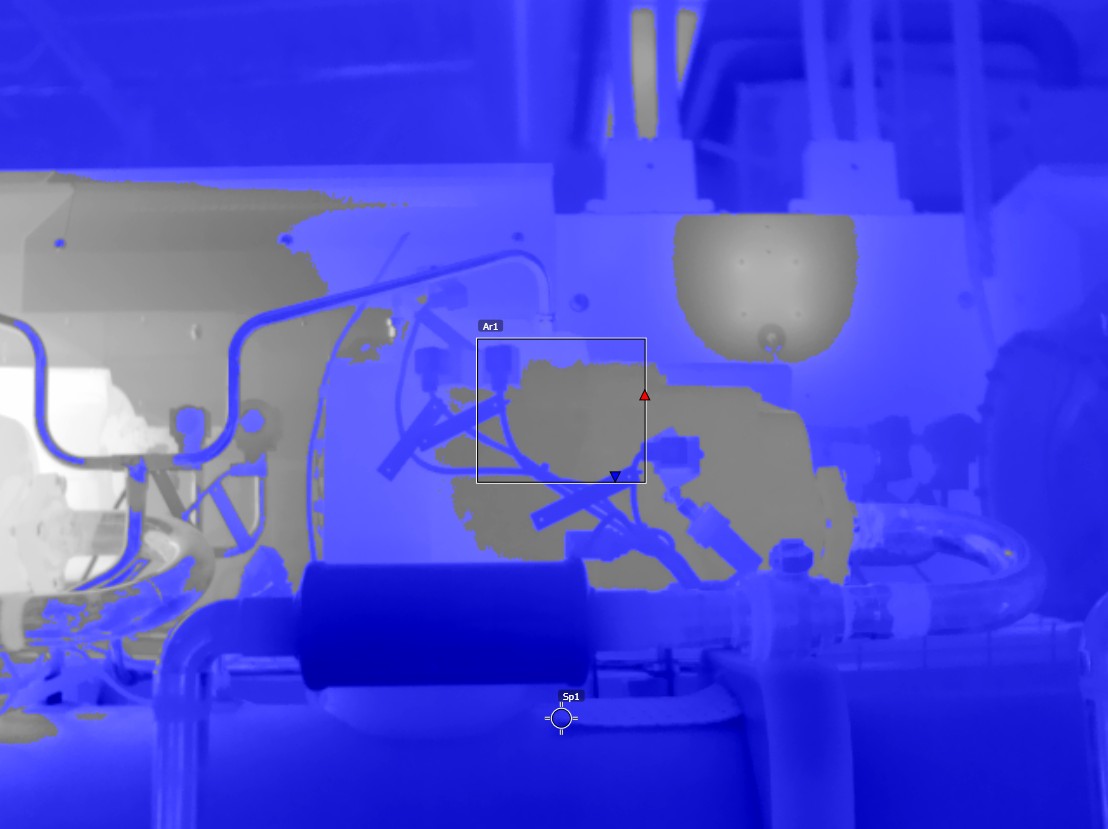
Below alarm |
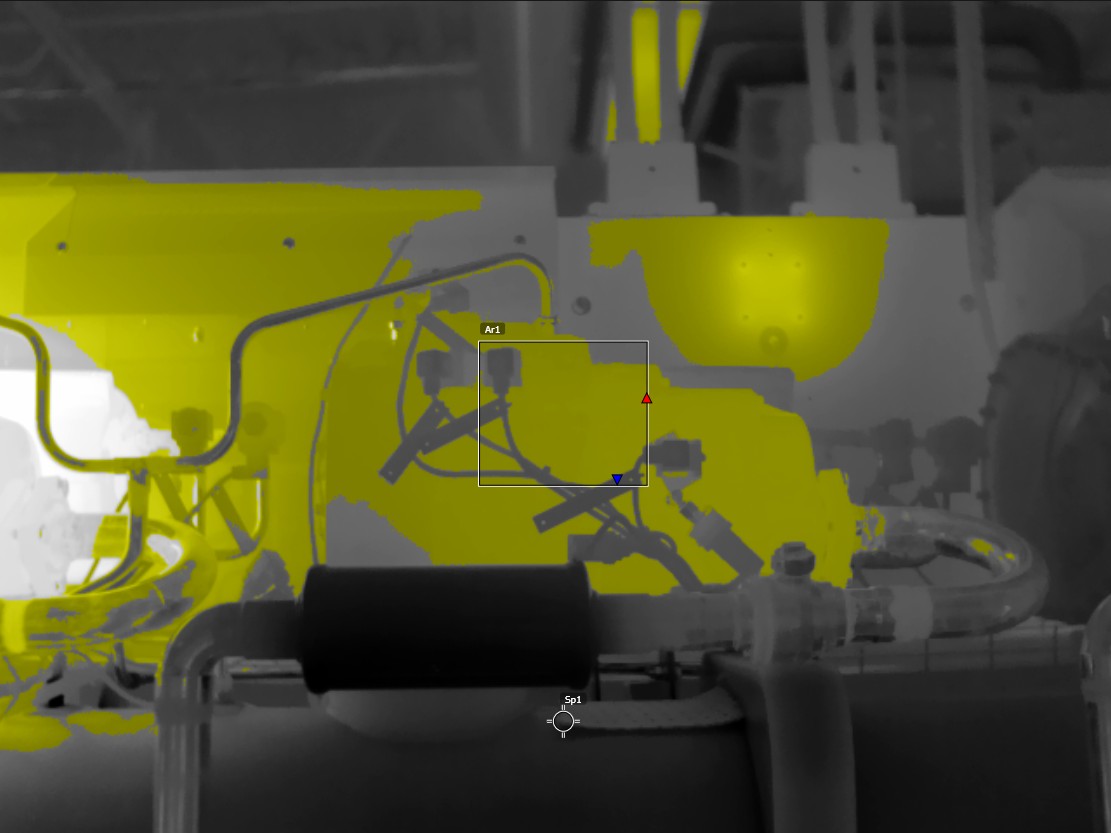
Interval alarm |
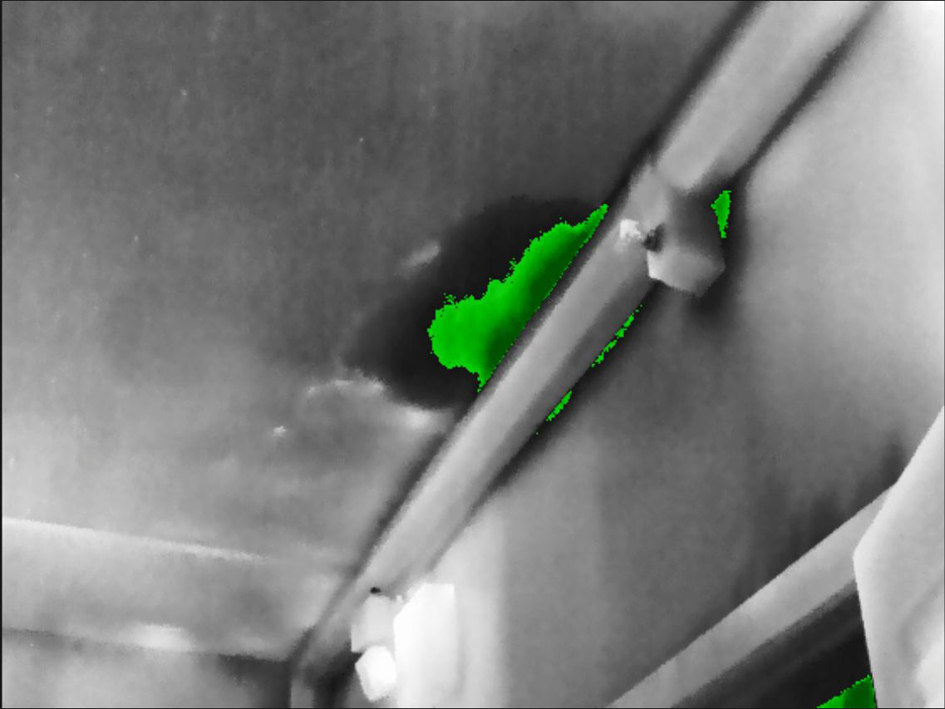
Condensation alarm |
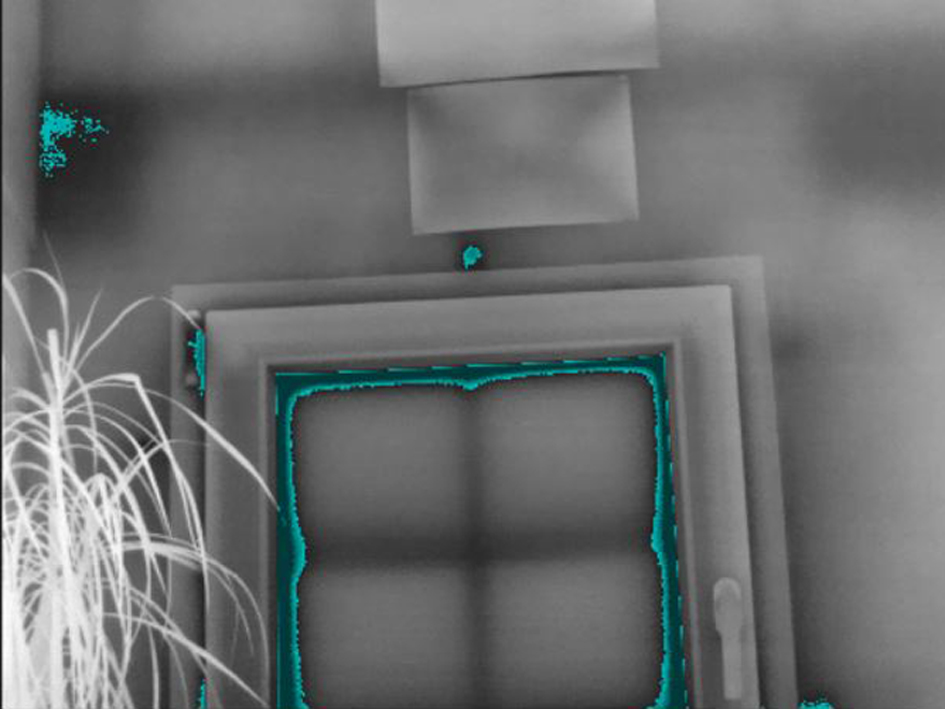
Insulation alarm |
Setting up above, below, and interval alarms
Push the navigation pad to display the menu system.
Select
 (Color) and push the navigation pad. This displays a submenu.
Use the navigation pad to select one of the following:
 (Above alarm).
 (Below alarm).
 (Interval alarm).
Push the navigation pad. This displays a dialog box where you can define the settings for the alarm.
For the Above alarm and Below alarm, the following parameters can be set:
Temperature limit.
Palette.
For the Interval alarm, the following parameters can be set:
Low temperature.
High temperature.
Palette.
Push the navigation pad. This closes the dialog box.
Building isotherms
The Condensation and Insulation alarms are not supported by all camera models.
About the Condensation alarm
To detect areas with potential moisture problems, you can use the Condensation alarm. You can set the relative humidity above which the isotherm will colorize the image.
About the Insulation alarm
The Insulation alarm can detect areas where there may be an insulation deficiency in the building. It will trigger when the insulation level (which is called the thermal index in the camera) falls below a preset value of the energy leakage through a wall.
Different building codes recommend different values for the insulation level, but typical values are 60–80% for new buildings. Refer to your national building code for recommendations.
Setting up condensation and insulation alarms
Push the navigation pad to display the menu system.
Select
(Color) and push the navigation pad. This displays a submenu.Use the navigation pad to select one of the following:
 (Condensation
alarm).
(Condensation
alarm). (Insulation
alarm).
(Insulation
alarm).
Push the navigation pad. This displays a dialog box where you can define the settings for the alarm.
For the Condensation alarm, the following parameters can be set:
Atmospheric temperature: The current atmospheric temperature.
Relative humidity: The current relative humidity.
Relative humidity limit: The relative humidity level at which you want the alarm to be triggered. A relative humidity of 100% means that water vapor condenses from the air as liquid water (= dewpoint). A relative humidity of about 70% or above can cause mold.
For the Insulation alarm, the following parameters can be set:
Indoor temperature: The current indoor temperature.
Outdoor temperature: The current outdoor temperature.
Thermal index: The insulation level (an integer between 0 and 100).
Push the navigation pad. This closes the dialog box.