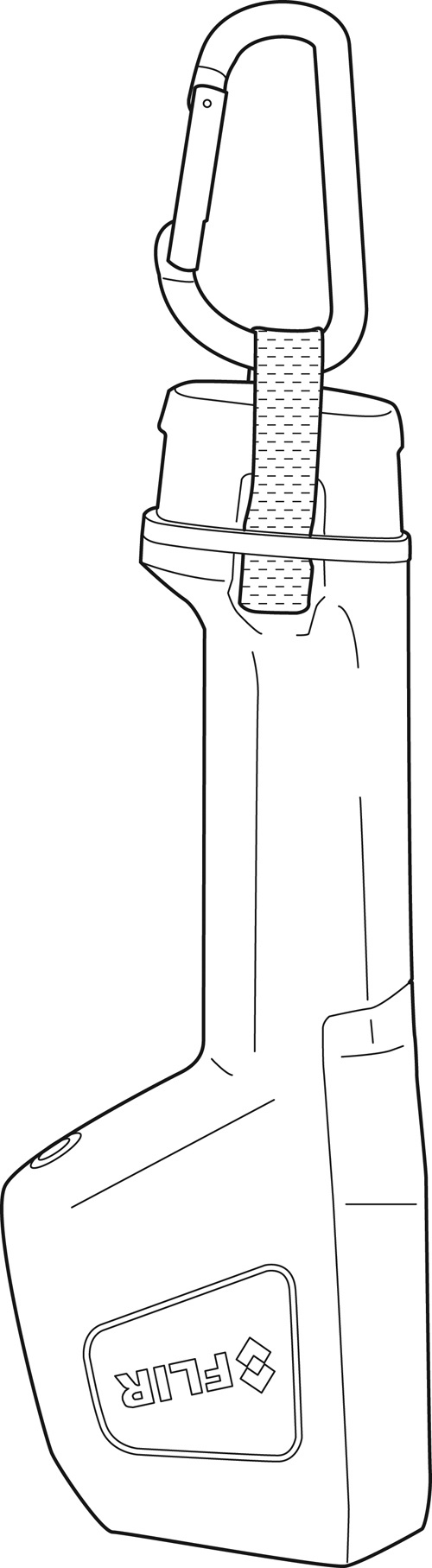
Camera parts
View from the front
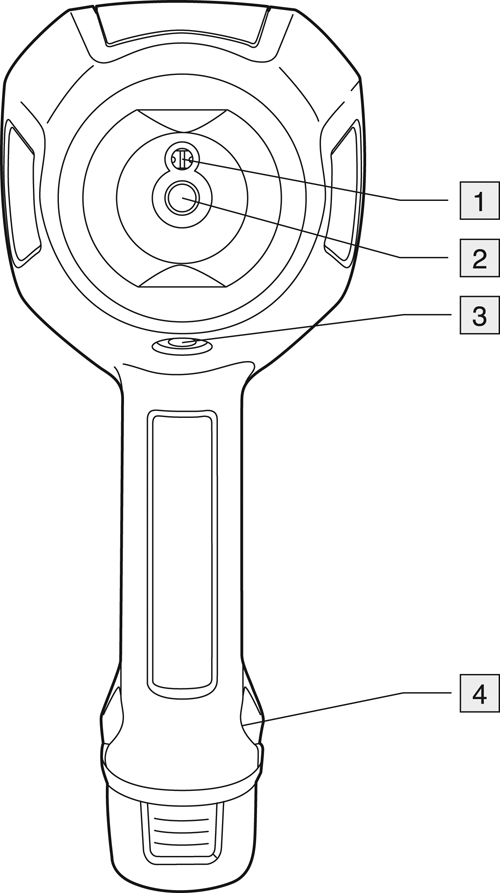
Digital camera lens.
Infrared lens.
Tripod mount.
Attachment point for lanyard strap.
View from the rear
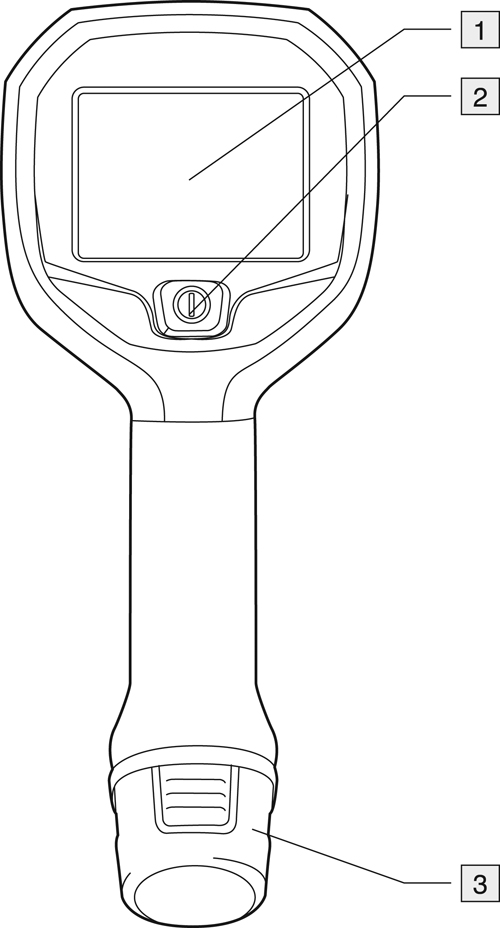
Camera screen.
On/off button. This button has three functions:
Push the on/off button to turn on the camera.
Push and hold the on/off button for more than 3 seconds but less than 10 seconds to put the camera into standby mode. The camera then automatically turns off after 6 hours.
Push and hold the on/off button for more than 10 seconds to turn off the camera.
Battery.
Lanyard strap