Color palettes
General
You can change the color palette that the camera uses to display different temperatures. A different palette can make it easier to see a gas cloud and to analyze an image.
This table explains the different types of color palettes.

Iron |
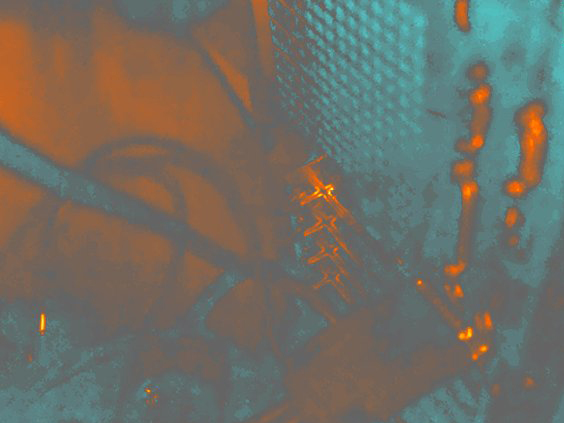
Arctic |
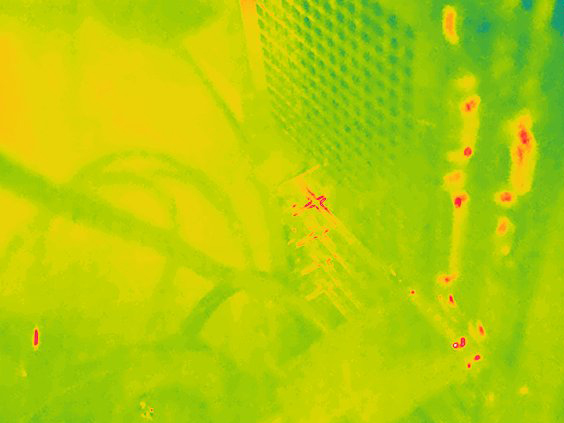
Rainbow |
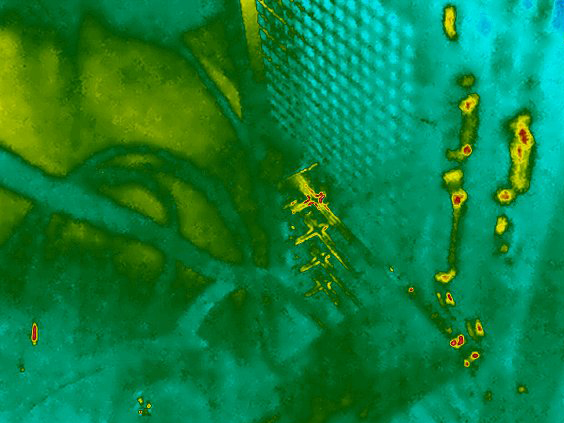
Rainbow high contrast |
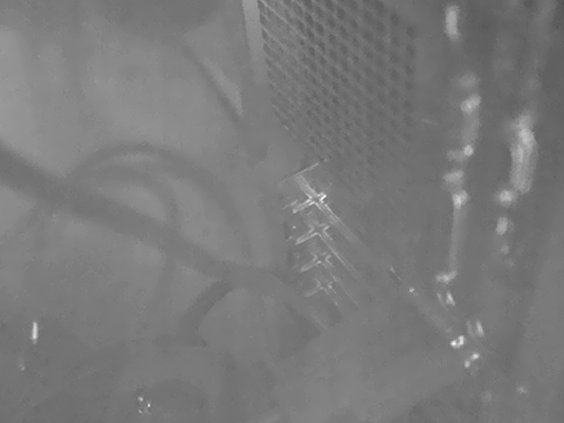
White hot |
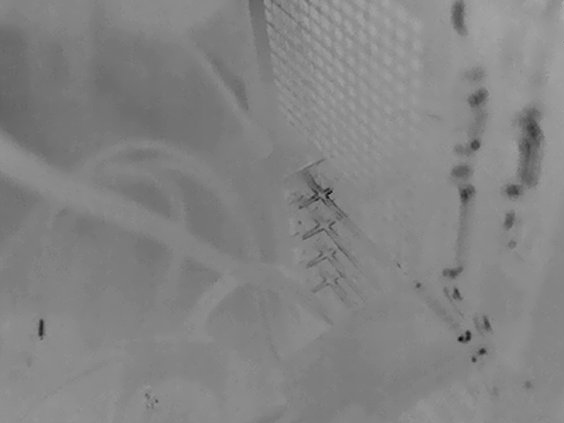
Black hot |
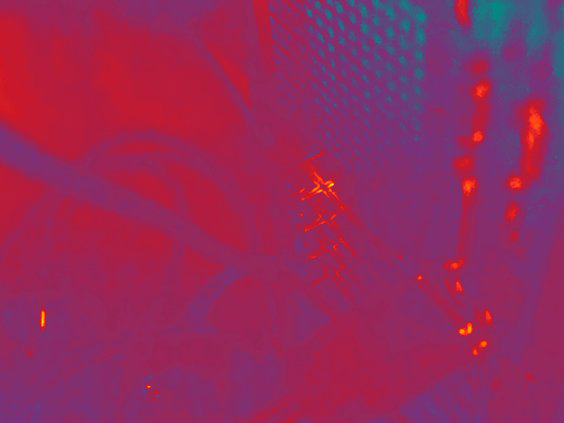
Lava |
Changing the color palettes
Push the navigation pad to display the menu system.
Select
 (Color) and push the navigation pad. This displays a submenu.
Use the navigation pad to select a different palette.
Push the navigation pad to confirm and exit the menu mode.