Working with image modes
General
The camera can capture both thermal and visual images at the same time. By choosing the image mode, you select which type of image to display on the screen.
The camera supports the following image modes:
Thermal: An infrared image is displayed.
Thermal MSX (Multi Spectral Dynamic Imaging): The camera displays an infrared image where the edges of the objects are enhanced with visual image details.
Picture in picture: An infrared image frame is displayed on top of the visual image.
Digital camera: The visual image captured by the digital camera is displayed.
-
Macro: This mode enables the camera to focus on objects very close to the camera lens. An infrared image is displayed.
For the Thermal MSX, Thermal, and Picture in picture image modes, all thermal and visual information is stored when an image is saved. This means that you can edit the image later, in the image archive or in a FLIR Thermography software, and select any of the image modes.
For the Digital camera image mode, a digital image with full resolution (5 MP) is stored when an image is saved. However, no thermal information is stored.
You can choose to turn off the digital camera. This can, for example, be required in restricted areas and in confidential (e.g., doctor/patient) situations. Select
 (Settings) > Save options & storage > Digital camera = Off. When the
digital camera is off, only the image mode Thermal is enabled.
(Settings) > Save options & storage > Digital camera = Off. When the
digital camera is off, only the image mode Thermal is enabled.The availability of the digital camera depends on the lens model.
The Thermal MSX, Thermal, and Picture in picture image modes only work correctly for calibrated lenses. The lens that ships with the camera is factory calibrated. To calibrate a new lens, see section Calibrating the lens–camera combination.
-
When the Macro mode is selected, the laser is automatically disabled.
-
The support for the Macro mode depends on the camera lens.
-
In Macro mode, no visual information is saved.
Image examples
This table explains the different types of image modes.
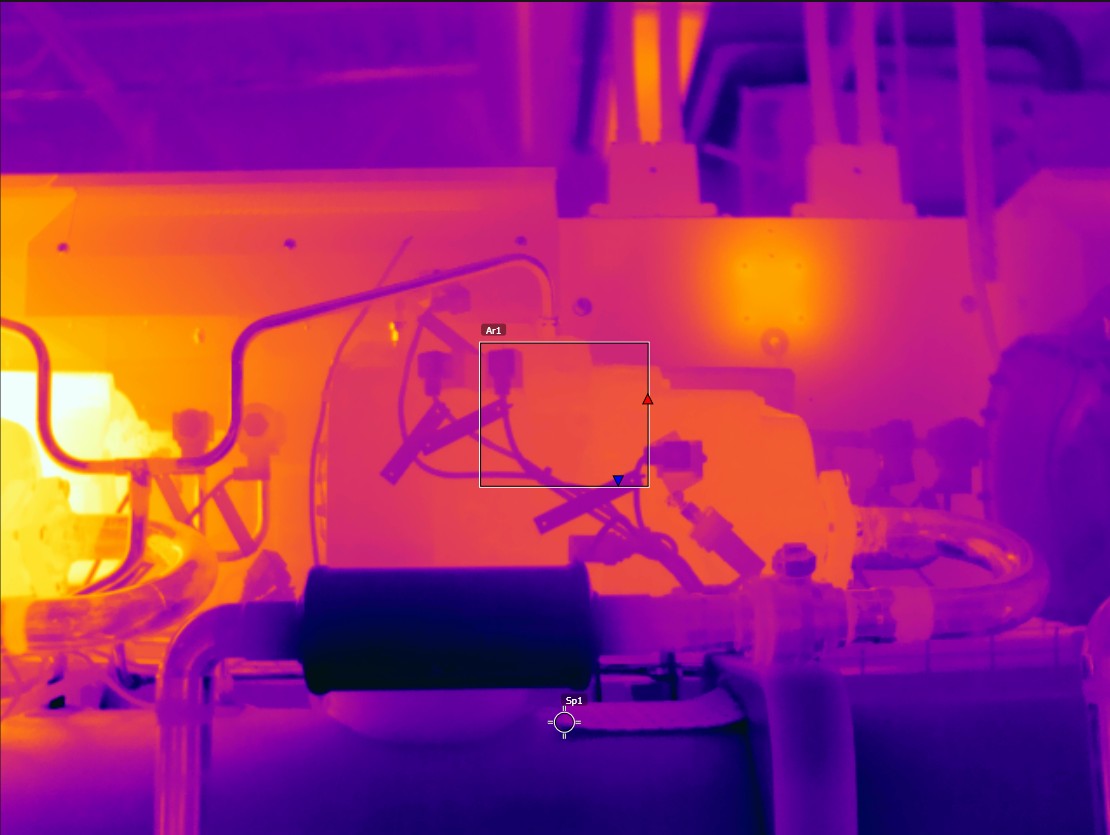
Thermal |
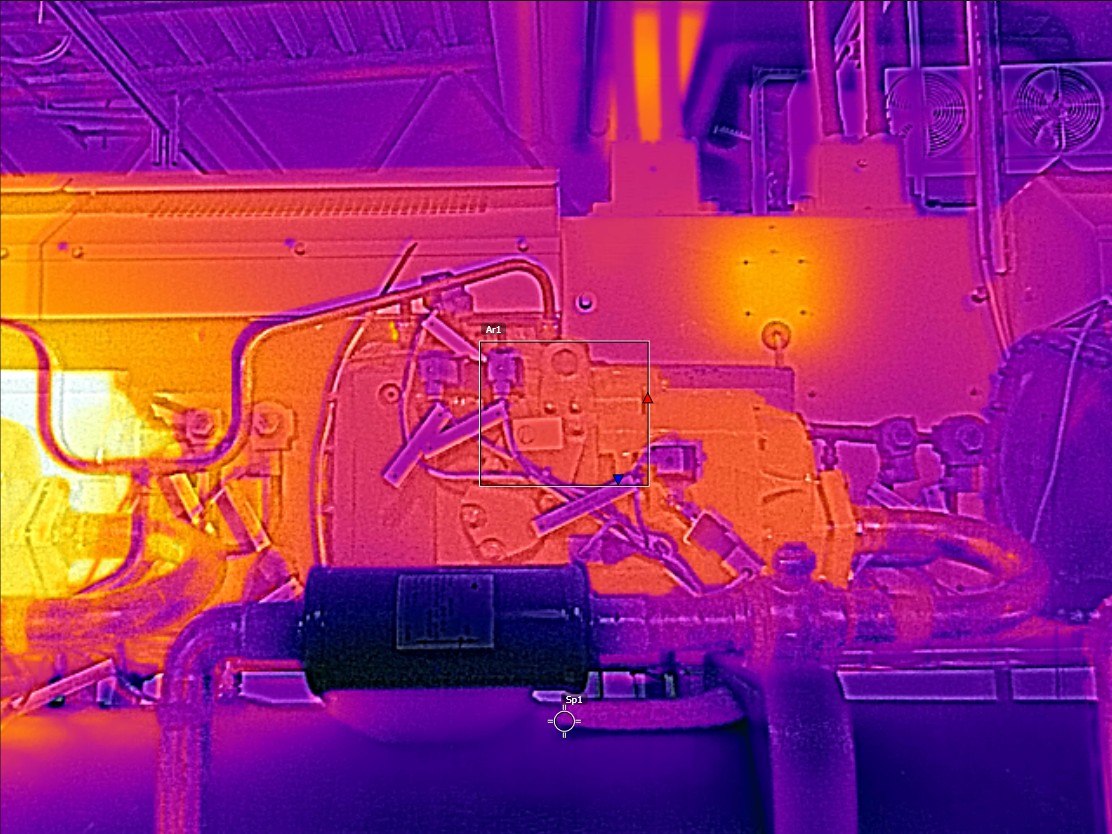
Thermal MSX |
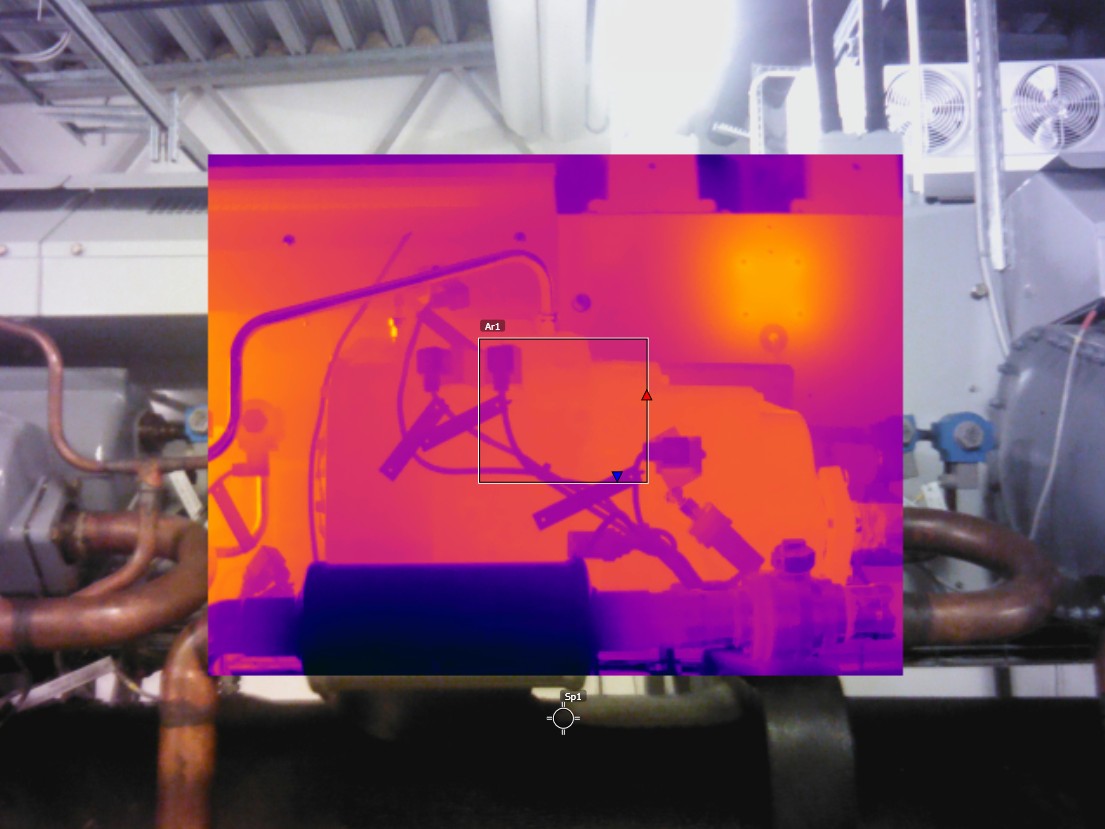
Picture in picture |
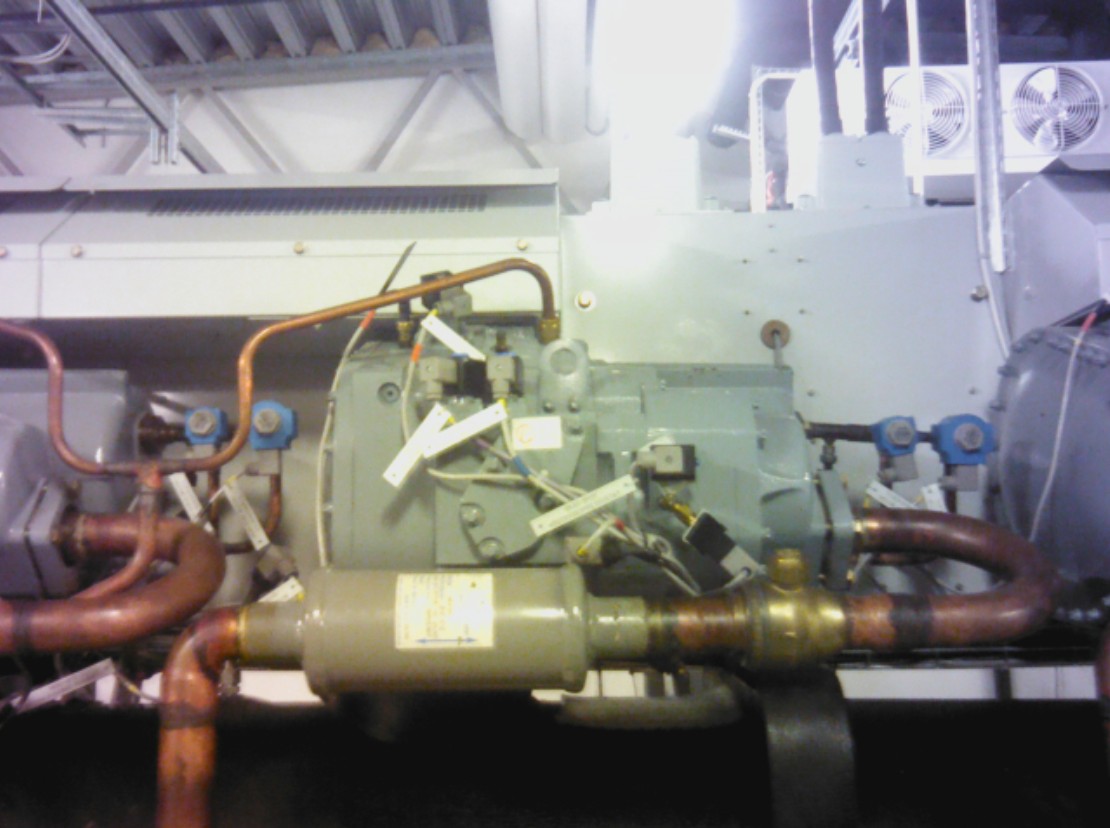
Digital camera |
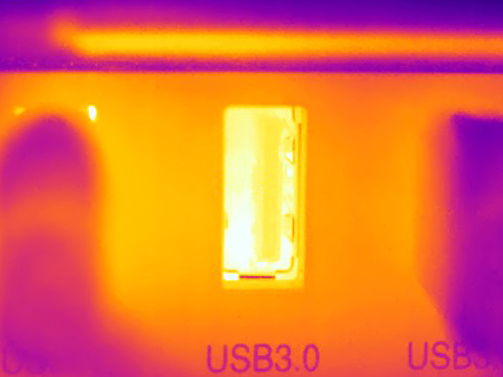
Macro |
Selecting an image mode
Follow this procedure:
Push the navigation pad to display the menu system.
Select
 (Image mode) and push the navigation pad. This displays a submenu.
Use the navigation pad to select one of the following:
 (Thermal MSX).
 (Thermal).
 (Picture in
picture).
(Picture in
picture). (Digital camera).
-
 (Macro).
NoteIf the *.csq video format is selected (Settings > Save options & storage > Video compression) and the recording mode Video is selected, it will only be possible to select the image modes Thermal and Macro.
If the digital camera is disabled (Settings > Save options & storage > Digital camera = Off), it will only be possible to select the image modes Thermal and Macro.
Push the navigation pad to confirm and exit the menu mode.
If Picture in picture mode is selected, you can at this point move and resize the infrared image frame. Do the following:
To activate the Picture in picture tool, touch a corner of the infrared image frame. The tool is now displayed showing five handles, one in the middle and one in every corner of the frame.
To move the frame, touch and hold the middle handle and drag the frame.
To resize the frame, touch and hold one of the corner handles and drag the corner of the frame.