Notice to user
Register your camera
Register your camera to receive an extended warranty and other related benefits.
To register the camera, go to http://support.flir.com/camreg.
To access the registration form, you must log in to your FLIR account or sign up for a new account.
You will also need the serial number of your camera. A label with the serial number is available at the bottom of the camera. See also section Serial number.
To complete the registration, you must enter a verification code into the camera. The code is available in your FLIR account, under My Products.
Online documentation
Our manuals are continuously updated and published online.
To access the FLIR Si1-LD series user manual and other product documentation, go to http://support.flir.com/resources/p5h3.
|
|
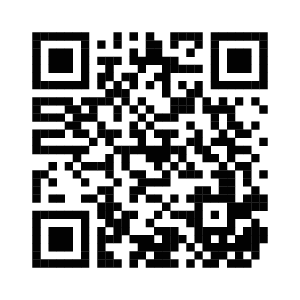
To access the manuals for our other products, as well as manuals for our discontinued products, go to https://support.flir.com/resources/app.
About this manual
We issue generic manuals that cover several models within a camera series. This means that this manual may contain descriptions and explanations that do not apply to your particular camera model.
The authoritative version of this publication is English. In the event of divergences due to translation errors, the English text has precedence. Any late changes are first implemented in English.
Support
Contact our Technical Support Center if you experience problems or have any questions about your product: https://support.flir.com.
Training
For training resources and courses, go to https://www.flir.com/support-center/training.