Camera parts
View from the front
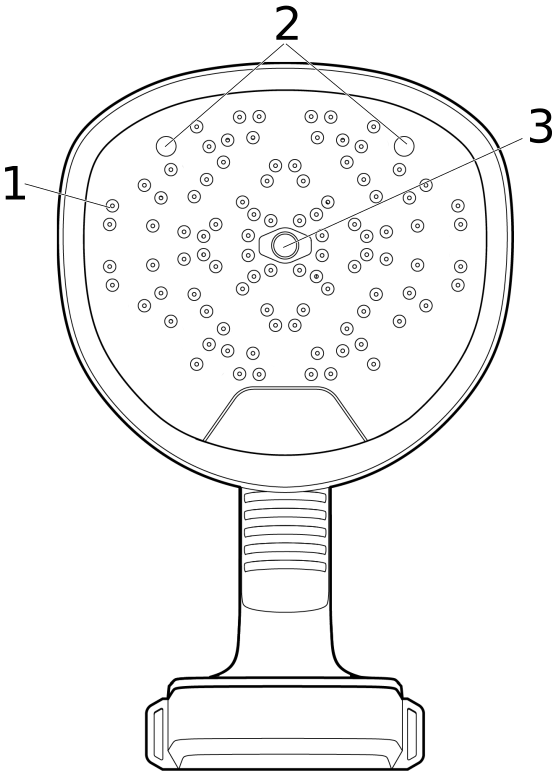
Microphones
LED lamps
Digital camera
View from the rear
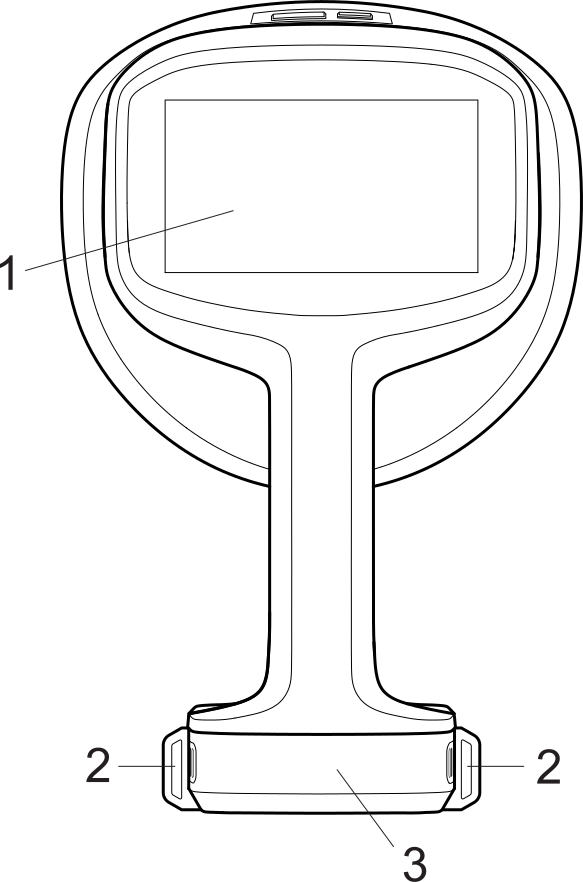
LCD screen
Neck strap attachment points
Battery cover
View from the top
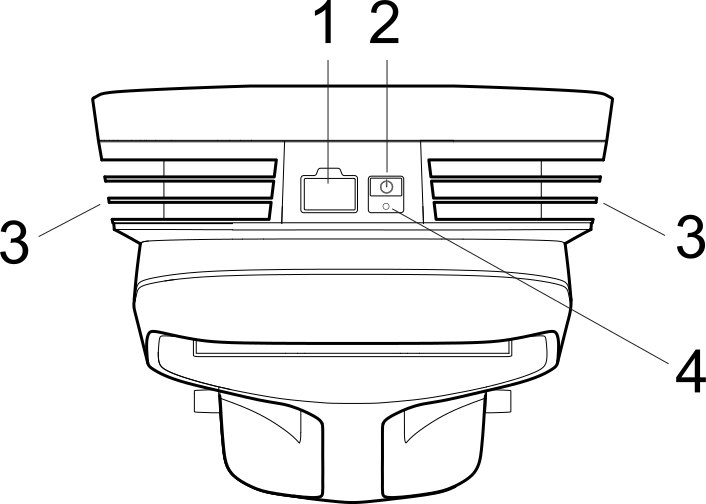
USB port
On/Off button
Heat sinks
Power LED
E-label
The e-label is the primary identification plate for the camera. It contains certification and compliance information and other relevant product details.
The e-label is available in the camera settings:
Tap the Settings button.
Tap the Device info field at the bottom of the Settings menu.
Swipe up/down to scroll or close the window.
Serial number
A label with the serial number is available at the bottom of the camera.
The serial number is also available in the camera settings, at the bottom of the Settings menu and in the e-label (see section E-label).