Camera overview
View from the front
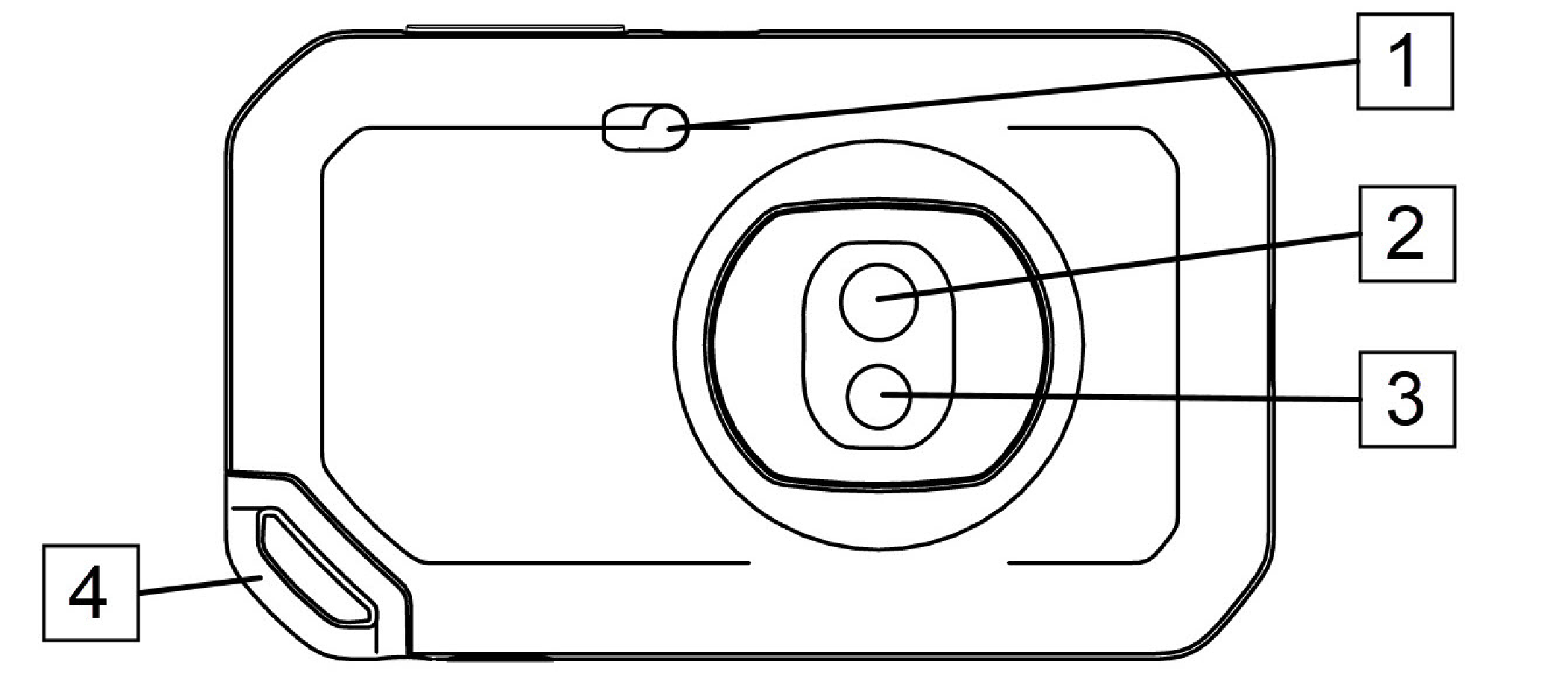
Camera lamp.
Infrared lens.
Visual camera lens.
Lanyard attachment point.
View from the rear
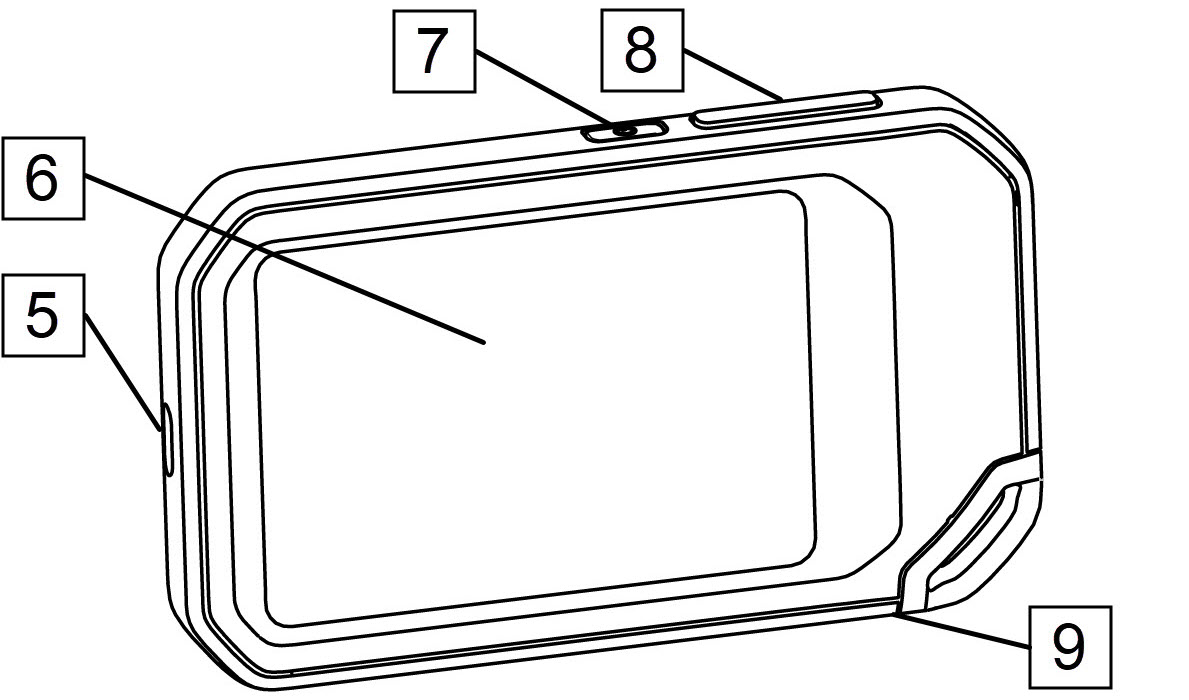
USB-C connector.
Camera screen.
On/off button.
Save button.
Tripod mount.
Screen elements
General
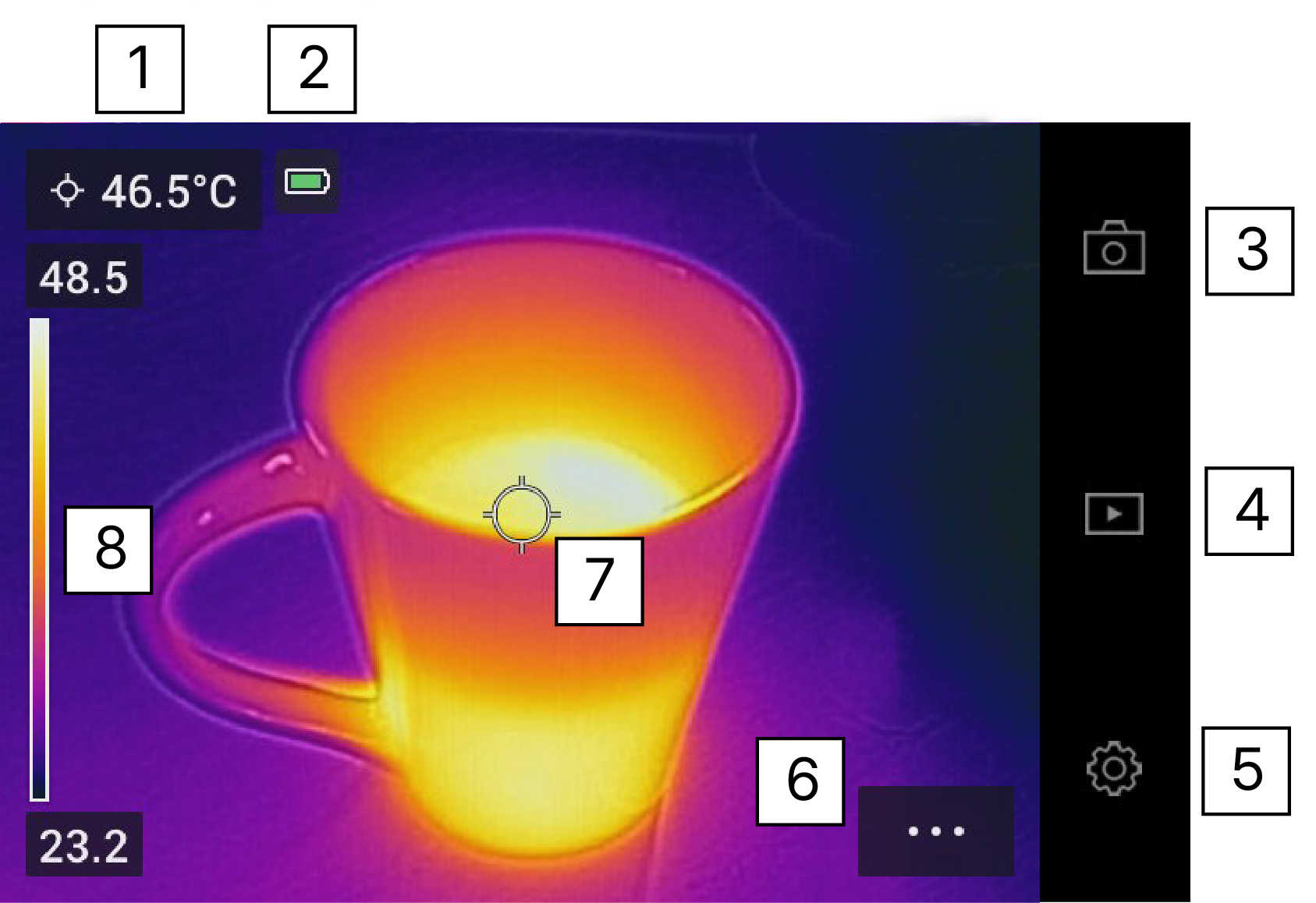
Result table.
Status icons.
Live view button.
Gallery button.
Settings button.
Menu button.
Spotmeter.
Temperature scale.
Menu system
To display the menu system, tap the menu
button  .
.
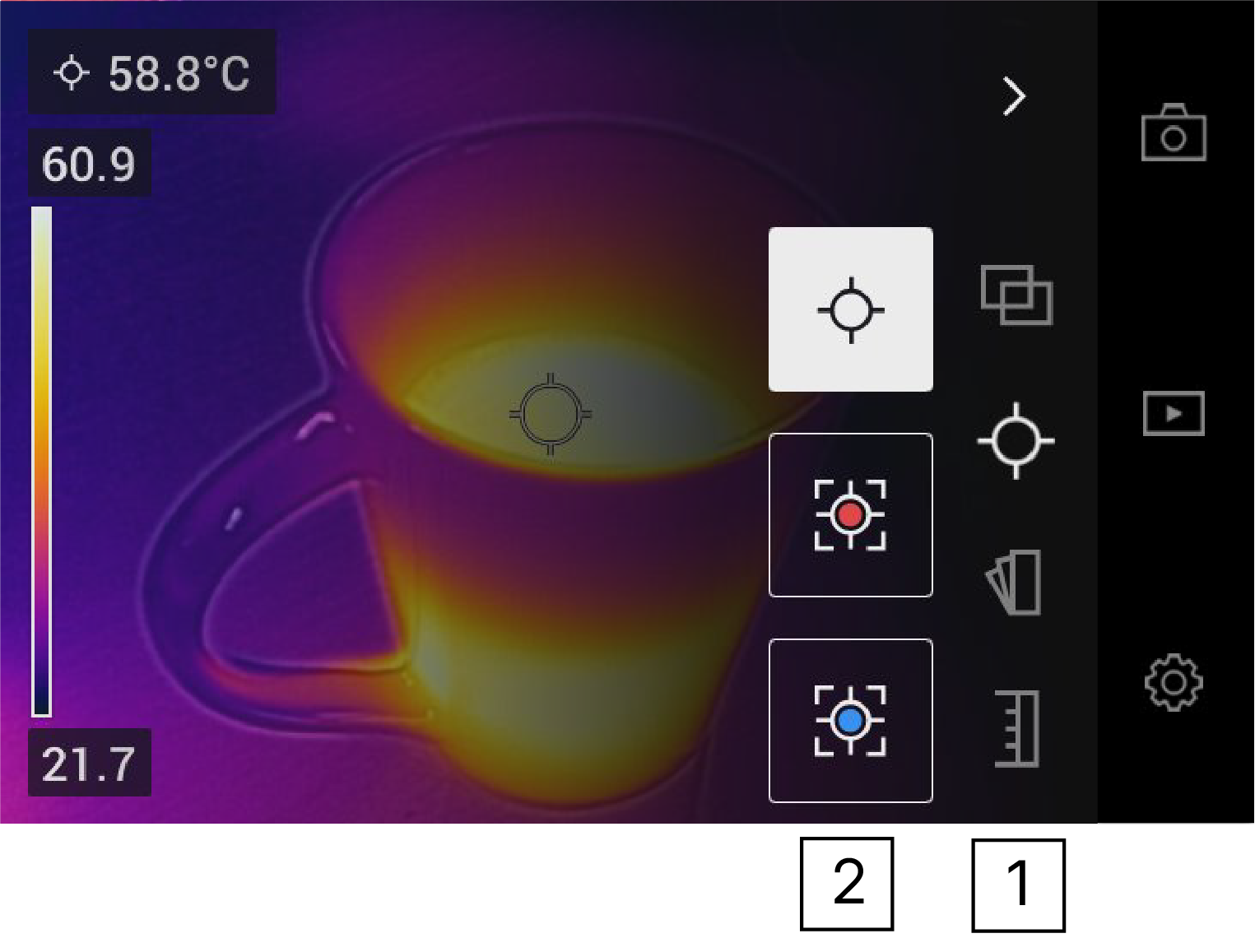
Main menu toolbar.
Submenu toolbar.
Status icons
 |
Battery status indicator.
|
 |
The remaining storage capacity of the camera memory is below 100 MB. |
Swipe-down menu
To open the swipe-down menu, place your finger at the top of the screen and swipe down.
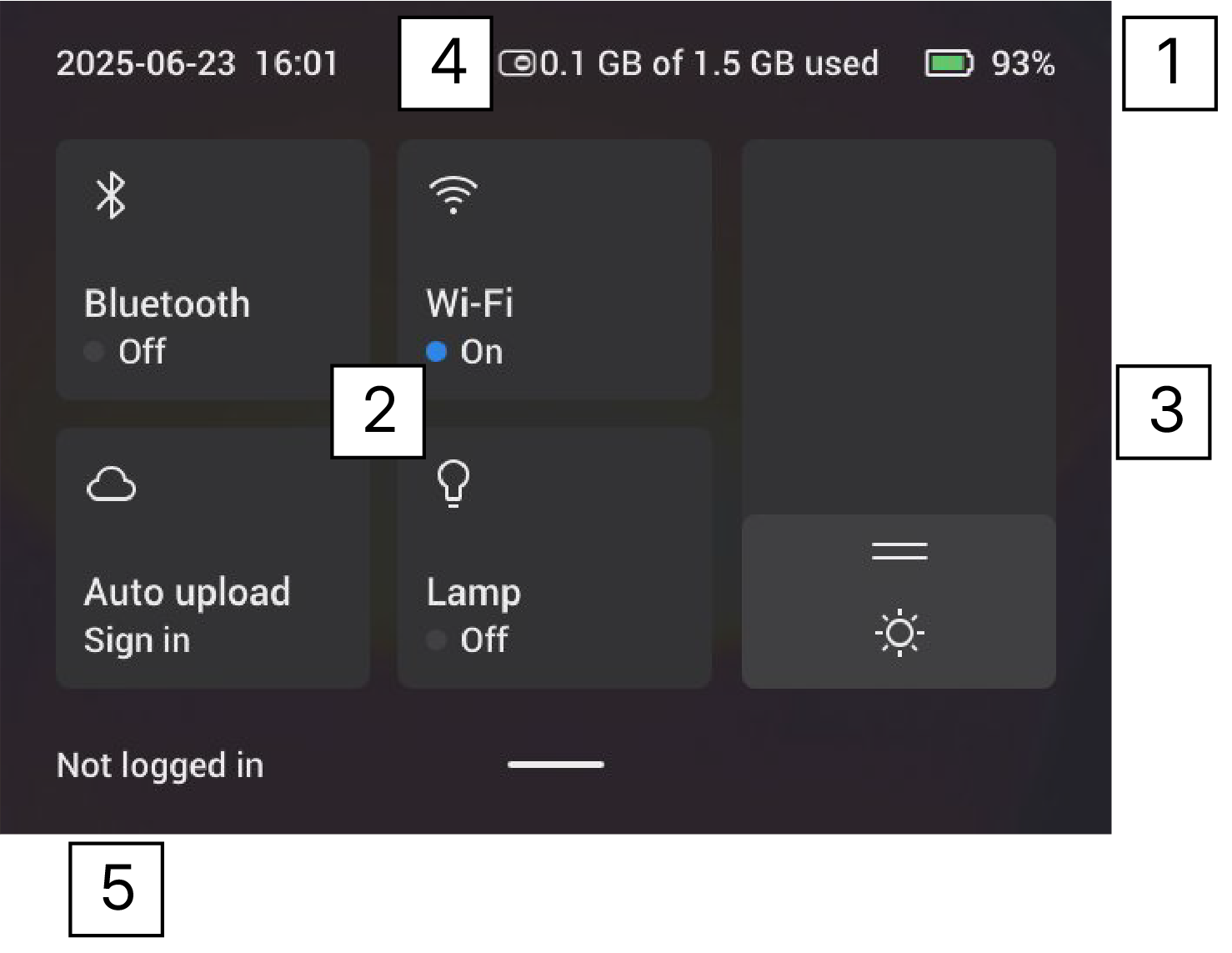
Battery status indicator.
Control buttons:
Wi-Fi button: Tap to enable/disable Wi-Fi. See also section Connecting to Wi-Fi.
Bluetooth button: Tap to enable/disable Bluetooth. See also section Bluetooth connection.
Upload button: Tap to enable/disable automatic upload of images. See also section Automatic upload.
Lamp button: Tap to turn on/off the camera lamp.
Screen brightness slider: Used to control the brightness of the screen.
Camera memory indicator.
The FLIR Ignite user account that the camera is paired with. For more information, see section Pairing with FLIR Ignite.
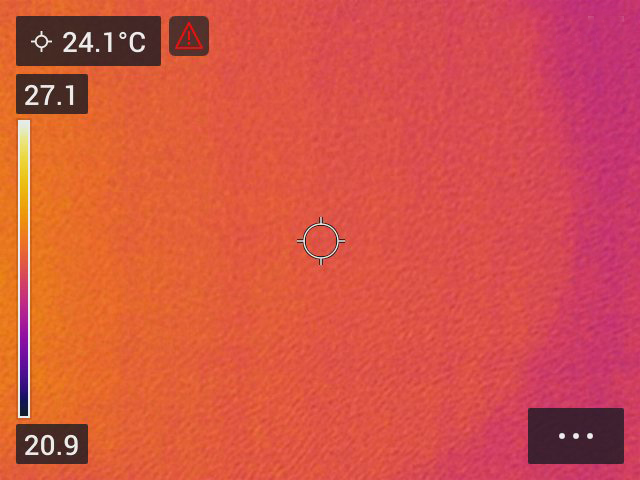
Overheat warning
For battery safety, a warning will show if it gets too hot:
An indicator provides a visual warning to the user that the thermal imager is about to shut down due to the internal overheating.
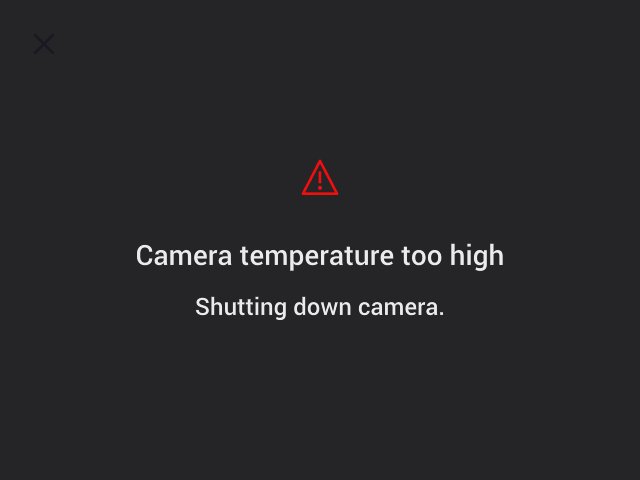
If the camera continues to be on, a message will show on the screen and the camera will shut down automatically.