Basic operation
Safety information
Before operating the camera, you must read, understand, and follow the warnings and cautions in section Safety information.
Battery
Install the battery
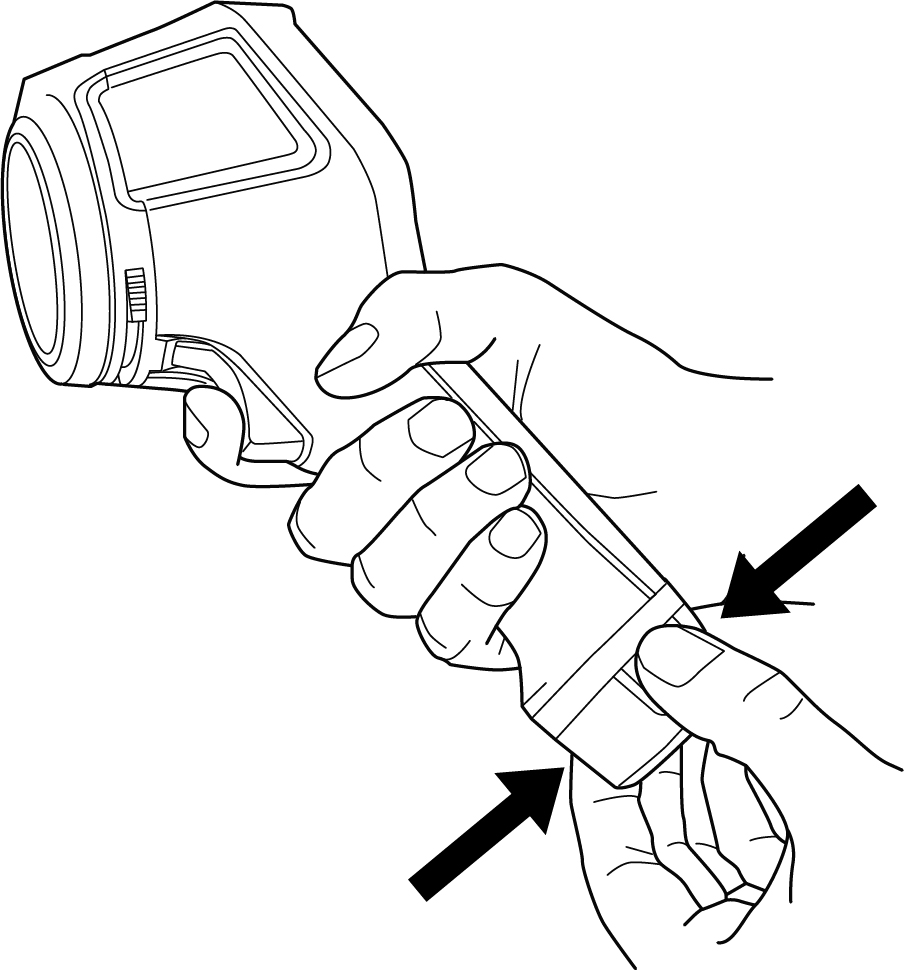
Push the battery into the battery compartment.
Remove the battery
Power off the camera.
Remove the battery from the camera.
Battery charging
When you connect the power supply to a mains socket, select a socket that is easy to access. Should a hazardous situation occur, you must be able to easily disconnect the power supply.
It is good practice to disconnect the power supply from the mains socket when not in use.
Charge the battery using the battery charger
Put the battery in the battery charger.
Connect the power supply to the battery charger.
Connect the power supply to a mains socket.
Battery charger indicator
During the charging, the light on the battery charger is flashing.
When the battery is fully charged, the light is steady.
Charge the battery in the camera — using the power supply
Open the cover at the top of the camera.
Connect the power supply to the camera.
Connect the power supply to a mains socket.
Charge the battery in the camera — via a computer
Open the cover at the top of the camera.
Connect the camera to a computer, using the USB cable.
Power on the camera.
Charging the battery via a computer takes considerably longer time than using the battery charger or power supply.
Power on/off
Power on
To power on the camera, push the On/Off button.
Standby
When the camera is in on and in live mode, push the On/Off button. This puts the camera in standby mode.
You can also set up the camera to enter standby mode after a period of inactivity. Select Settings > Device settings > Auto power off.
Power off
To power off the camera, push and hold the On/Off button.
Do not remove the battery to power off the camera.
Save an image
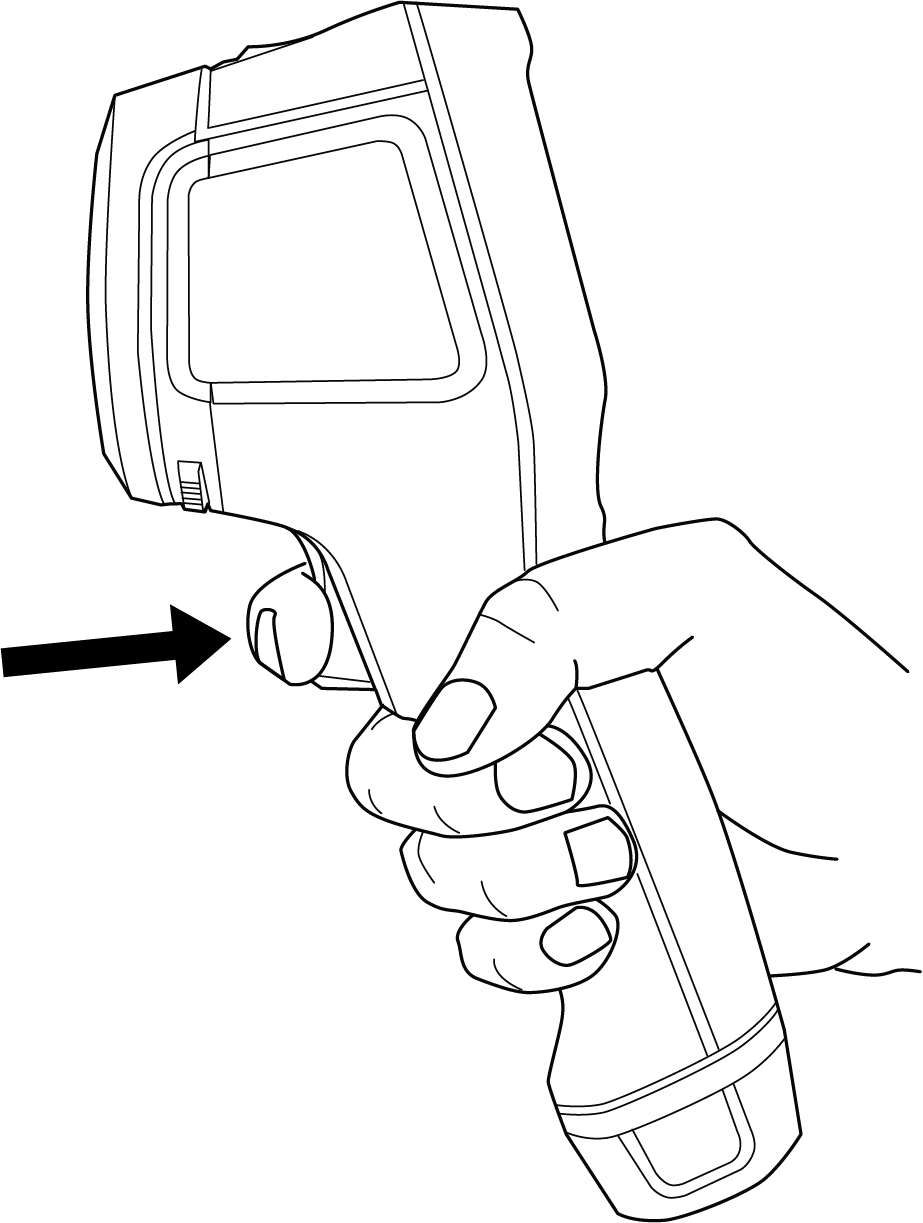
To save an image, pull the trigger.
File transfer
You can transfer the files from the camera using one of the following methods:
Connect the camera to a computer with a USB cable.
Upload the files to cloud storage, see section Cloud connectivity.
Transfer files via USB cable
Open the cover at the top of the camera.
Connect the camera to the computer, using the USB cable.
Power on the camera.
Move the files to the computer using a drag-and-drop operation.
NoteThis does not delete the files in the camera.
Camera lamp
You control the camera lamp on the Quick menu, see section Quick menu.
Streaming
The camera can stream what is currently visible on its screen to a computer via USB, just as a connected web camera. Use a FLIR Thermography software or a third party web camera software to display the image stream on the computer.
The camera supports radiometric and non-radiometric streaming. For radiometric streaming, a FLIR Thermography software is required.
To stream images from the camera to a computer, do the following:
Connect the camera to the computer, using the USB cable.
Start the streaming application on your computer and follow the instructions.