Settings
User settings
To access the user settings, click on the user icon in the upper right corner. The user settings are display settings only and do not affect other users.
User settings:
Profile
Temperature unit
Length unit
Decimal separator
Site settings
The changes made to the site settings will affect all users with access to the site.
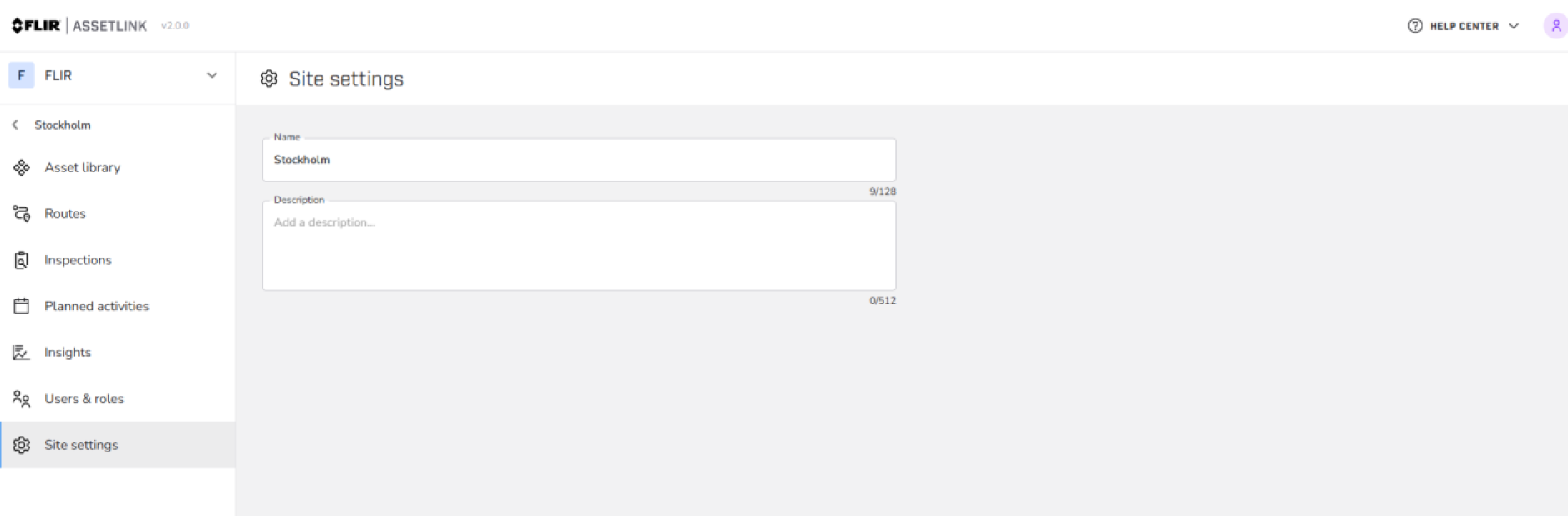
Figure 1.
Update site settings:
Name
Description
Organization settings
Click on the current organization and select Organization settings.
The changes made to the organization settings will affect the entire organization and its users.
General
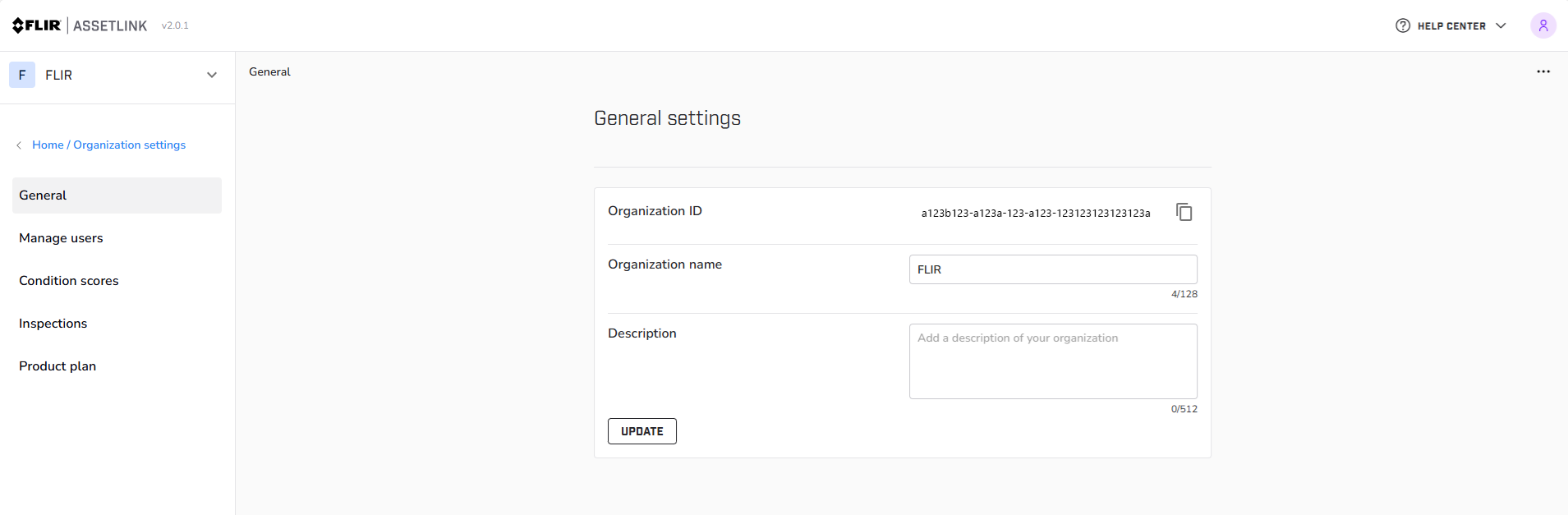
Figure 2.
The Organization admin can access the general settings to see the organization ID, change organization name, and make a note.
Condition scores
A numerical indicator that helps you get an overview of the condition of their assets based on completed and approved inspections. For more information see Asset condition.